Alliesia AI turns conversations into execution — tasks, clients, updates, and workflows in one place.AI Voice Assistant for Project ManagementAutomate tasks, workflows, reminders, and team updatesAlliesia AI turns conversations into execution — tasks, clients, updates, and workflows in one place.AI Voice Assistant for Project ManagementAutomate tasks, workflows, reminders, and team updates
Project Management with AI Task Automation

Manage projects, tasks, workflows, and team collaboration in one AI-powered workspace built for faster execution and smarter productivity.

AI-powered project workflow and task management dashboard

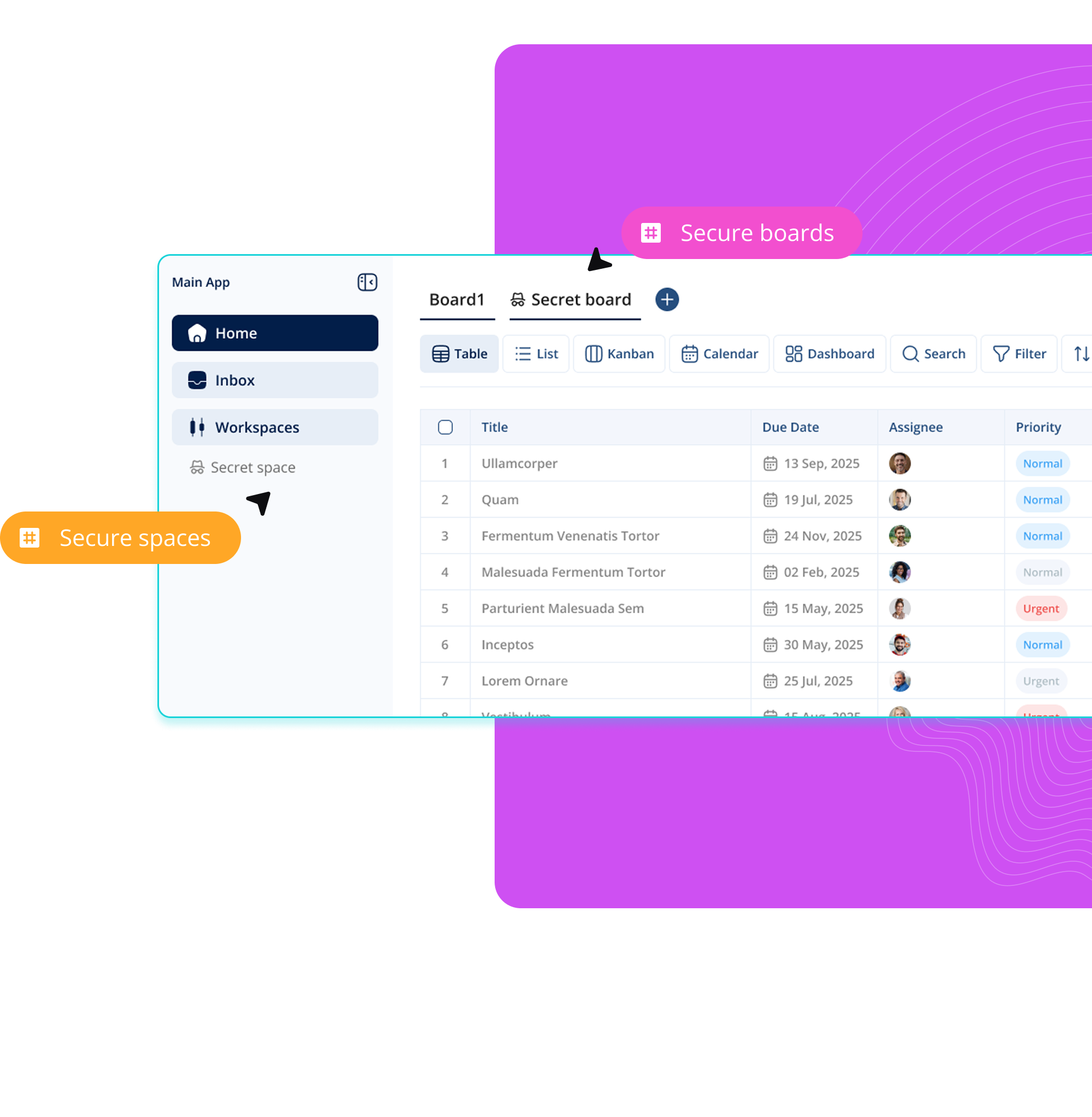
Secure workspaces for productivity

Create secure spaces for teams, clients, and projects to keep work organized and collaboration streamlined inside Alliesia.

Public, private, and secret workspaces

Tasks, files, and conversations in one place

Secure collaboration with access control

task list and project board in Alliesia

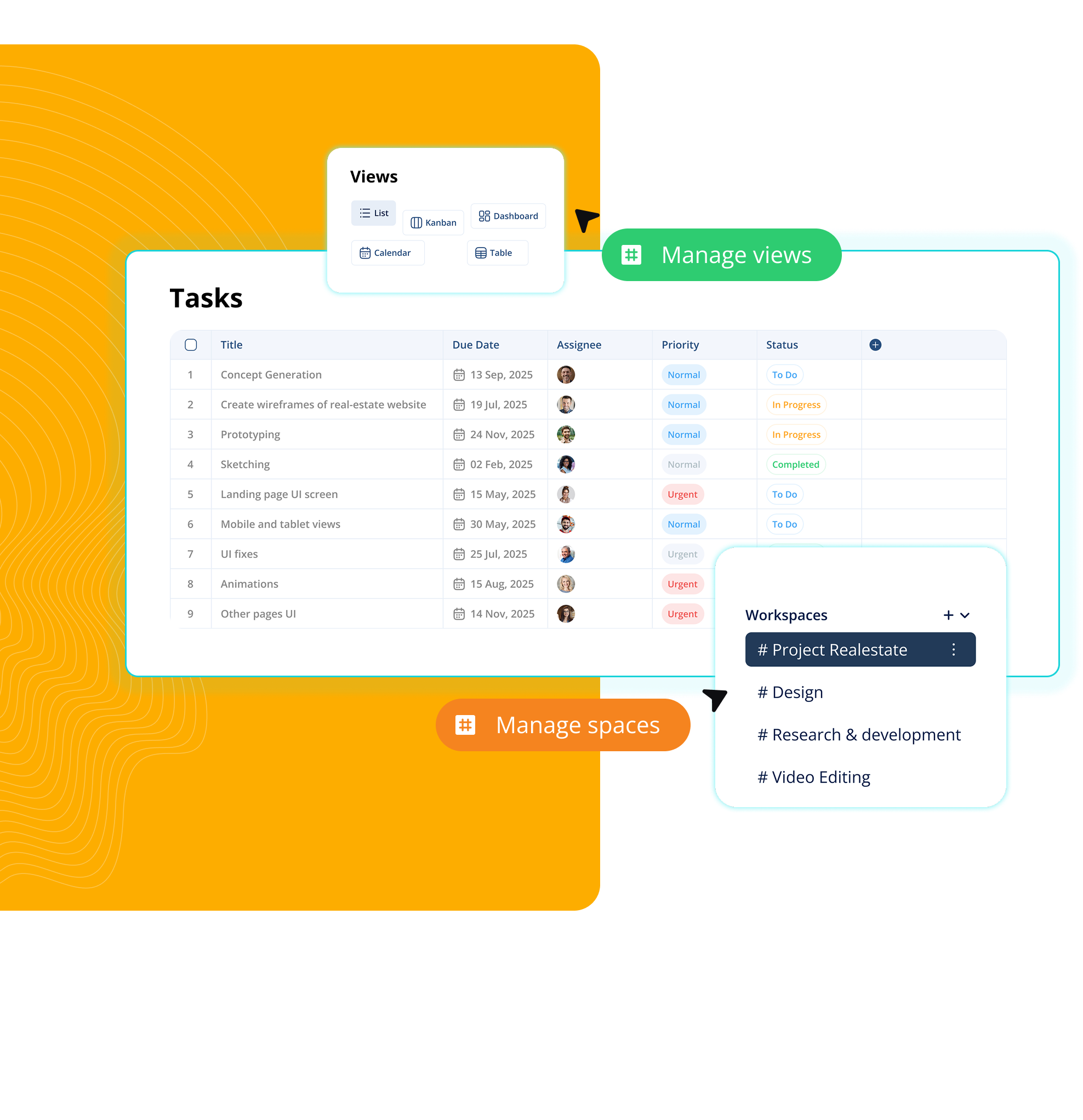
Flexible project boards

Manage tasks, workflows, and project progress with customizable boards designed for organized team collaboration and faster execution.

Custom columns and workflow stages

Drag-and-drop task management

Real-time team collaboration and updates

project task tracking dashboard in Alliesia
Allie

AI Voice Assistant That Executes Work

Manage projects with AI voice commands. Create tasks, assign work, update workflows, track progress, send team updates, and automate project management faster with Allie AI.

Voice task management
AI work execution
Voice task dictation
Smart project analytics
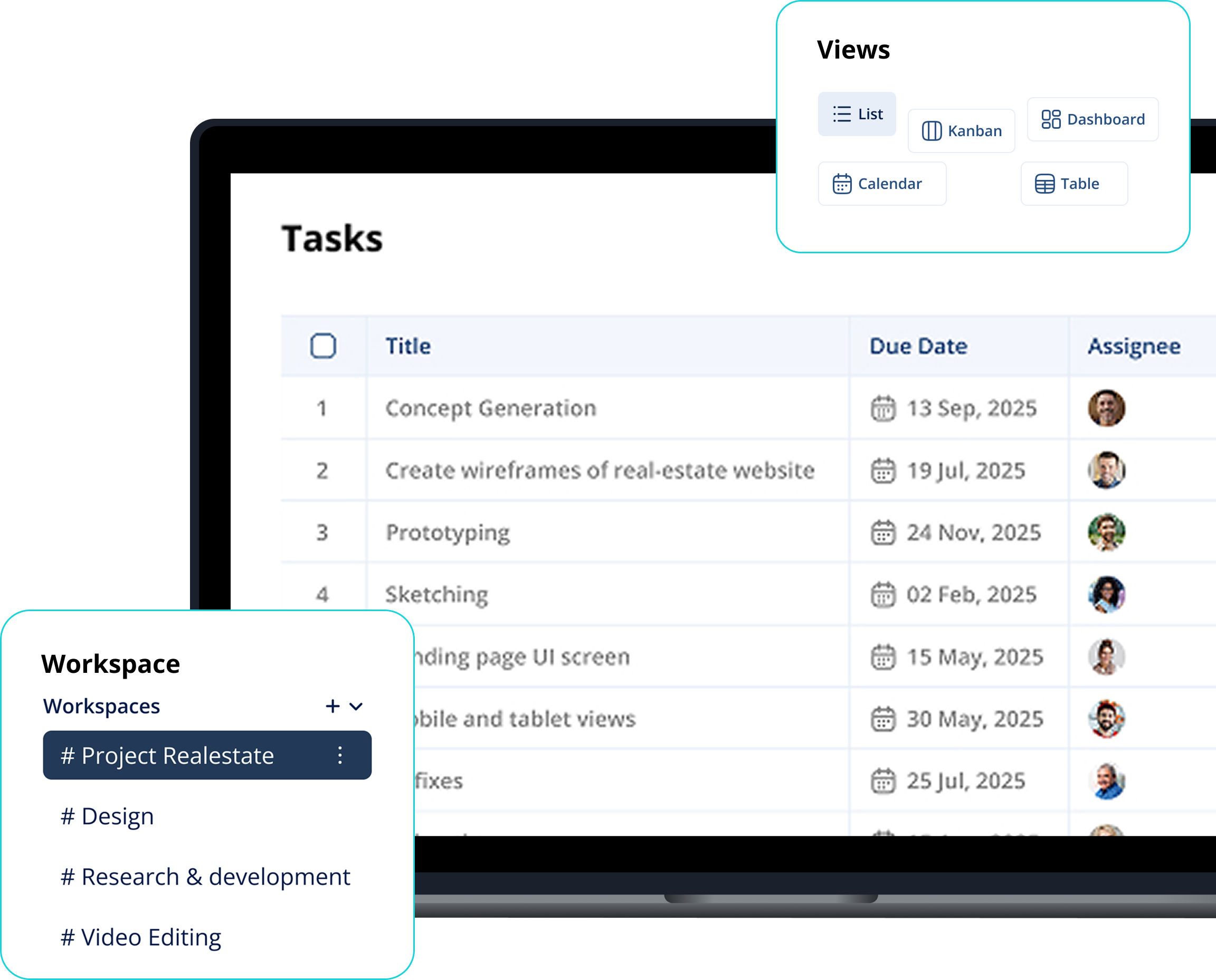
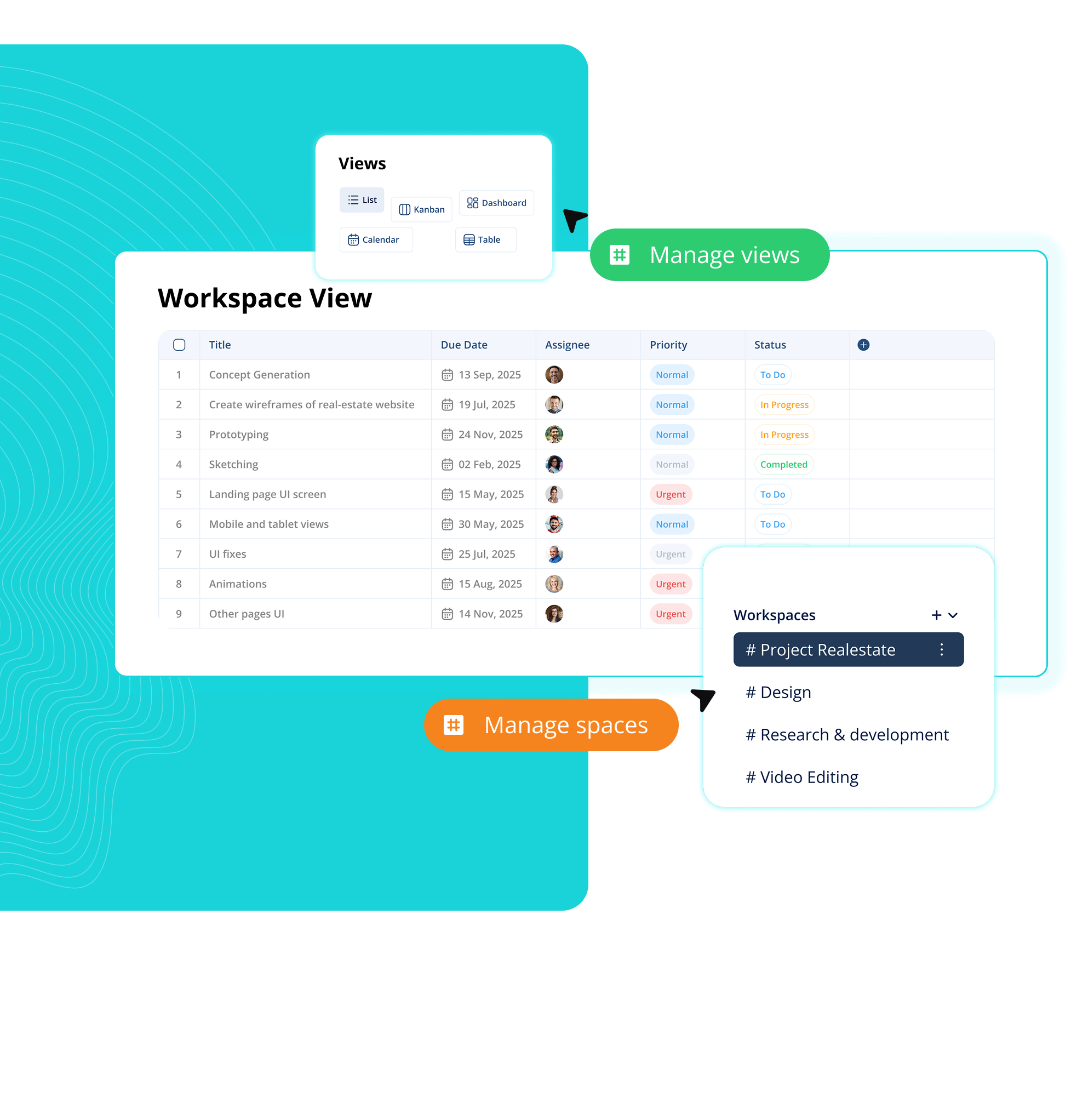
Custom workflow views

Switch between different views to manage projects your way from boards and lists to timelines and organized task tracking.

Kanban, list, and table views, etc

Better visibility across tasks and projects

Flexible layouts for every workflow

project workflow and task management interface
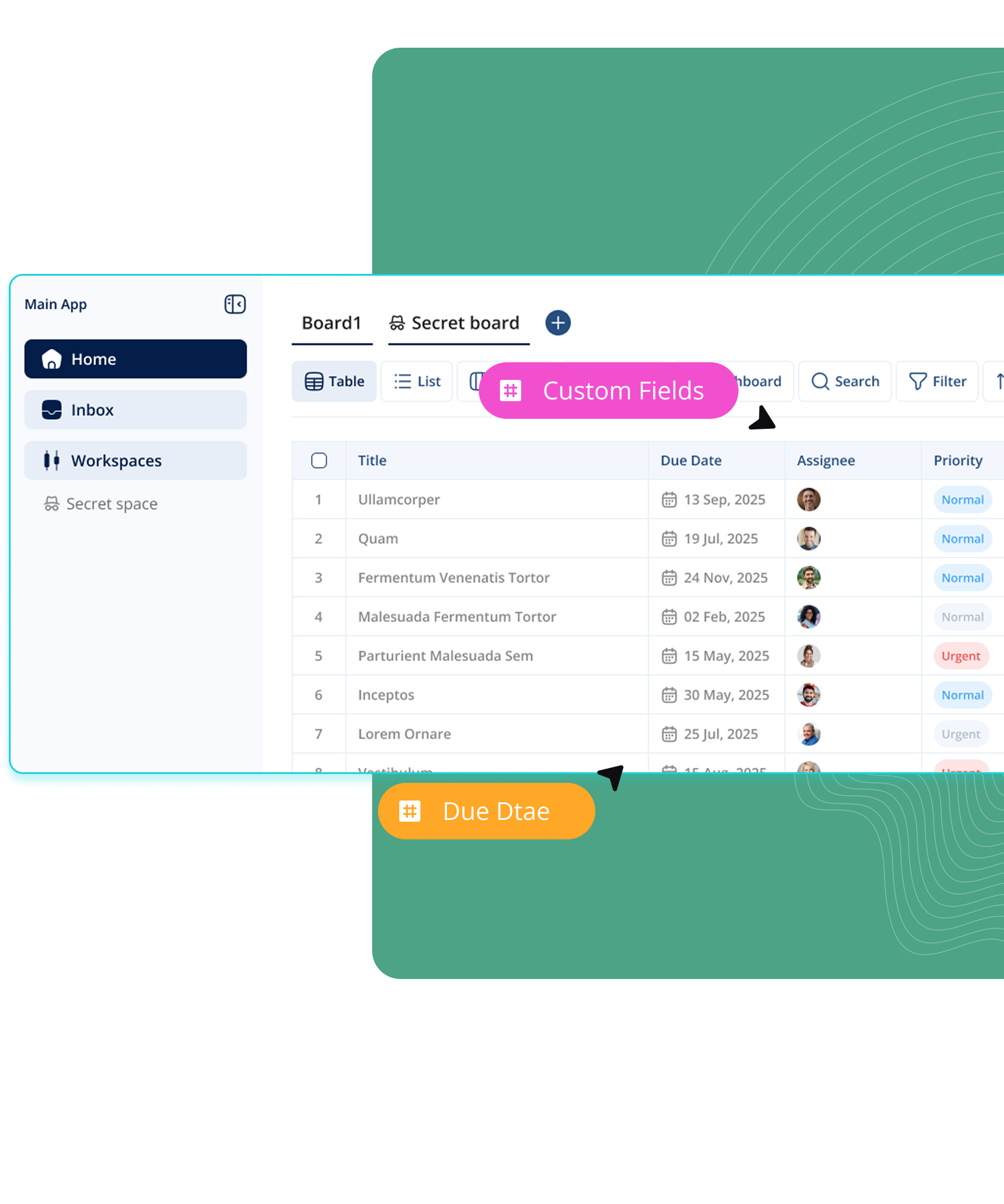
Custom columns and fields

Customize your workspace with flexible columns and fields built around your workflow, project structure, and team processes.

Create custom task statuses and stages

Add fields for priorities, tags, dates, and owners

Organize workflows based on your team’s needs

team task assignment and progress tracking